Source-backed feature map
Current Block Guard features
This page is based on the current Android app source. It covers the user-facing modules, protections, workflows, and tools that exist in Block Guard right now, including calling, messaging, automation, analytics, backup, accessibility, and safety education.
Call protection
Granular rulesMessaging
SMS + MMSAutomation
Profiles + schedulesPrivacy
Local-firstCall Protection
Exact-number blocks, area codes, global prefixes, country blocks, spoofing protection, DND overrides, and caller-action controls.
Messaging
SMS and MMS conversations, group messaging, blocked senders, blocked keywords, attachments, scheduling, and phishing-link warnings.
Automation
Block Guard Mode, blocking profiles, schedules, quick setup presets, rule validation, and test simulations.
Review and Recovery
Protection Center, blocked logs, analytics, weekly reports, encrypted backup and restore, Help Center, and accessibility settings.
Product views
Control, review, and recovery all live in one system
Block Guard is not just a list of switches. The current app combines dialer integration, rule depth, analytics, backup, accessibility, and help tools so protection feels manageable over time.
Phone, Dialer, and Call-Screening Integration
- Works with Android call-screening support and can also run as the default Phone app when device behavior requires it.
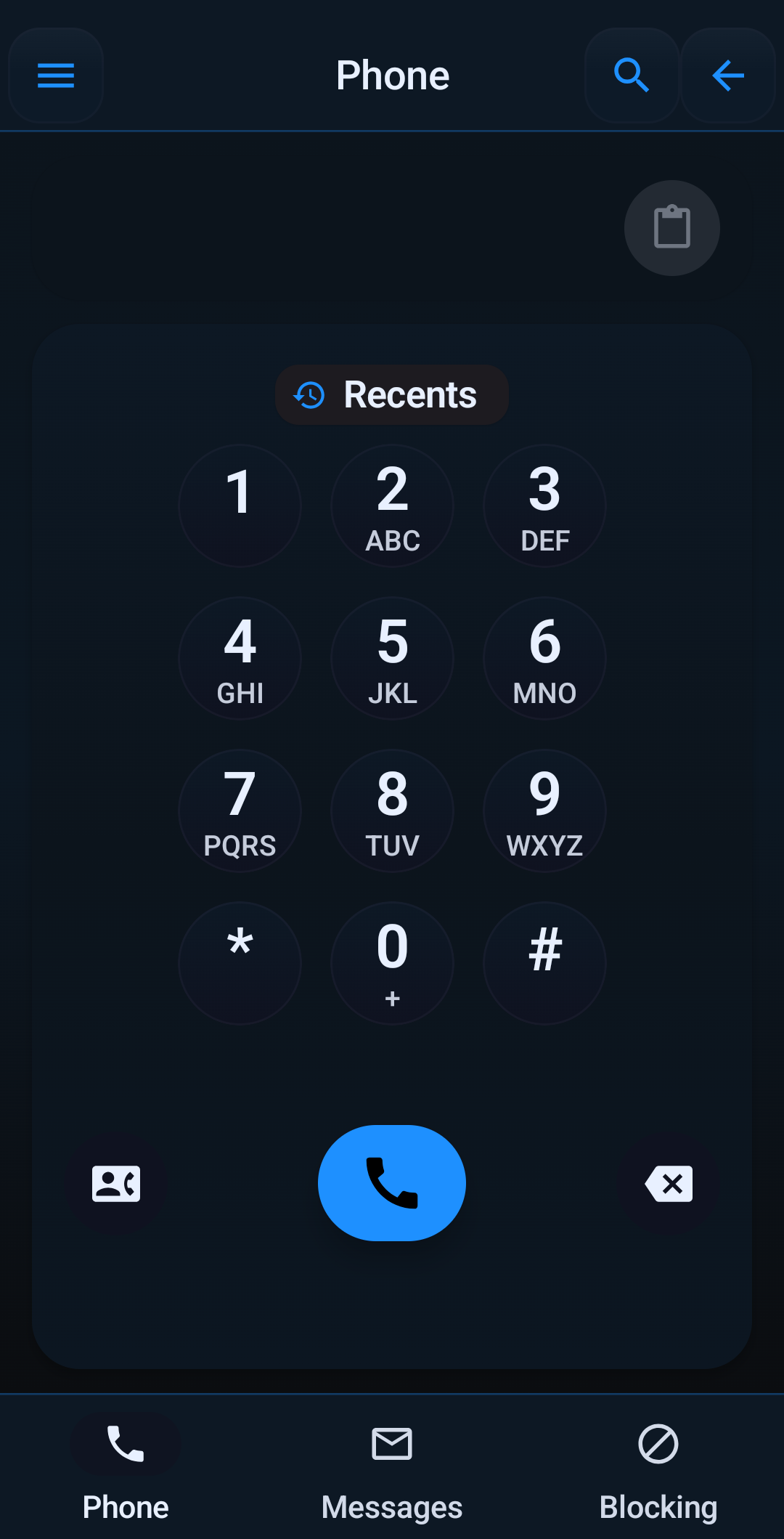
- Includes an in-app dialer, recent calls, ongoing-call controls, keypad tones, and launcher shortcuts for Dial, New Message, Block a Number, and Call Log.
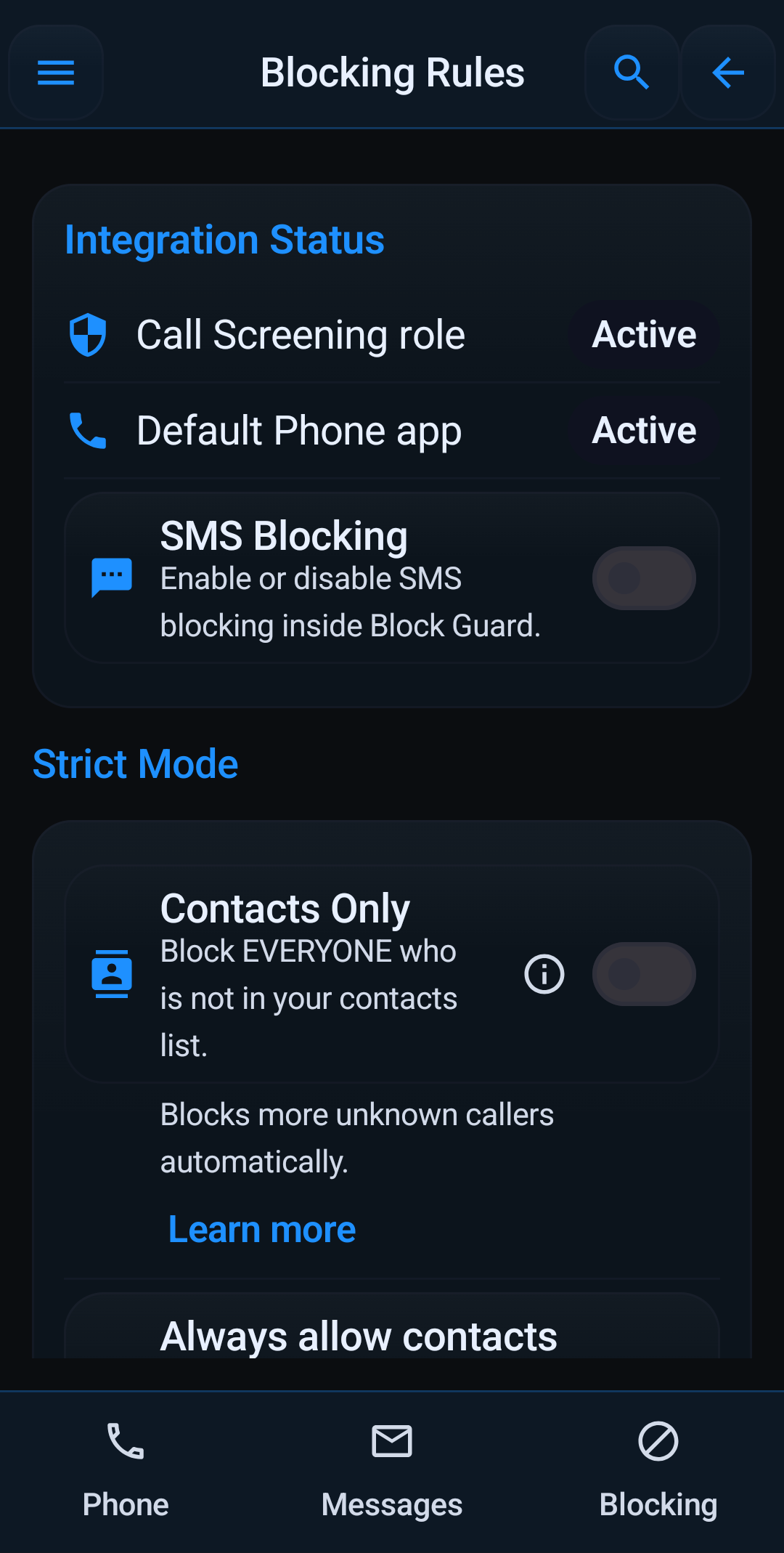
- Shows integration status for Call Screening, default Phone app mode, and SMS support so you can confirm what Android is allowing.
- Supports emergency-number bypass and optional emergency callback grace so return calls after an emergency call are not blocked by mistake.
- Lets you search call history, open blocked-call details, copy numbers, call back, and jump directly to the rule that affected a call.
- Includes Samsung-style default-phone fallback guidance and Help Center setup for devices that limit standard call-screening roles.
Blocking Lists, Filters, and Allow Rules
- Block exact numbers, wildcard prefixes, regex-based number patterns, US and Canada area codes, global prefixes, and specific country codes.
- Manage blocked numbers, whitelisted numbers, whitelisted area codes, allowed contacts, and favorites with searchable list screens.
- Use Strict Mode for contacts-only calling, plus always-allow contacts and always-allow favorites.
- Filter private numbers, unknown numbers, and foreign numbers independently.
- Temporarily allow a number, permanently whitelist it, or block similar numbers using exact-number, same-prefix, or same-area-code actions from the blocked-call detail view.
- Report spam from the blocked-call flow so your local protections and history reflect why a number was blocked.
Smart Protection, Spoofing Defense, and Adaptive AI
- Blocks spoofed calls that fail carrier verification using STIR/SHAKEN-aware anti-spoofing checks.
- Blocks neighbor spoofing calls that mimic your own area code and prefix.
- Uses an offline community spam database and keeps that database on the device for local lookups.
- Offers repeat-caller exceptions, allow if I called them recently, and allow if I texted them recently.
- Detects call storms and rotating same-prefix campaigns, then temporarily suppresses bursts of suspicious unknown calls.
- Supports warn-only heads-up alerts for borderline calls that should ring but still deserve a warning.
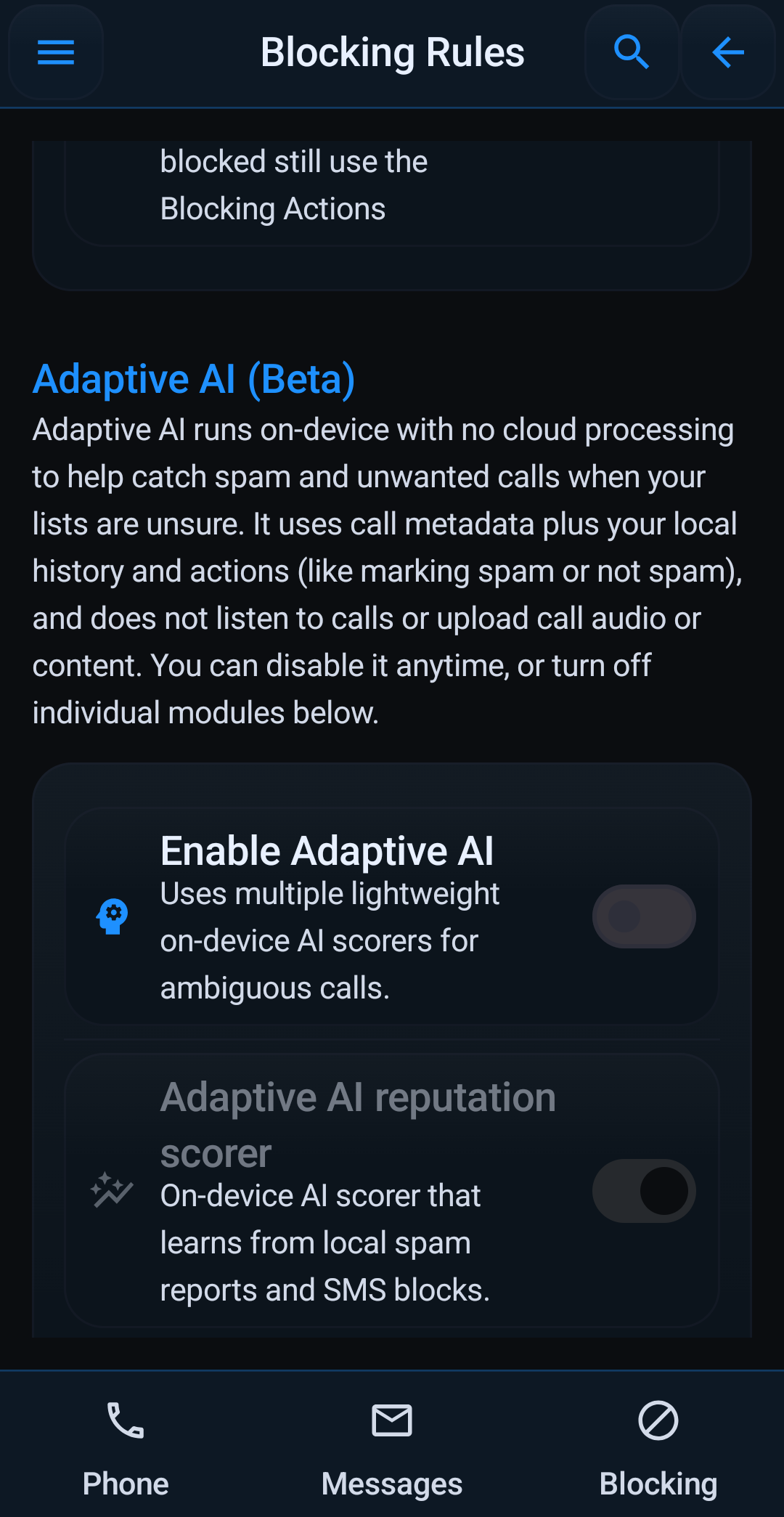
- Includes Adaptive AI with on-device reputation, Naive Bayes, logistic, and tree-ensemble scorers, adjustable silence and block thresholds, local learning, charging-only training, minimum-label controls, and reset options.
Blocking Actions and Device-Specific Call Handling
- Choose whether blocked calls should be answered and dropped, rejected through call screening, or sent directly to voicemail.
- Enable harder carrier-dependent blocking when supported by the phone and carrier.
- Show blocked-call quick actions in notifications so you can allow once, whitelist, or inspect a number without opening the full app first.
- Display warning notifications for suspicious calls that were allowed to ring.
- Store why a call was blocked, what action was taken, and how to adjust the matching settings later.
- Supports manual my-number setup so spoofing and pattern-based rules can work correctly even if Android does not expose your line cleanly.
SMS, MMS, Messaging, and Phishing Safety
- Full SMS and MMS messaging experience with inbox, archived conversations, pinned threads, mute controls, search across conversations, and search inside a conversation.
- Create one-to-one or group MMS conversations and manage attachments inside the compose flow.
- Attach images, videos, GIFs, stickers, files, forwarded attachments, and recorded voice messages.
- Schedule messages to send later and review scheduled items inside the conversation before they go out.
- Reply from Android notifications, use swipe-to-reply inside conversations, forward messages, copy selected messages, retry failed sends, and delete individual messages or whole conversations.
- Shows live SMS segment counts so you can see when a message becomes multi-part.
- Runs blocked-sender rules, blocked-keyword rules, regex sender rules, regex keyword rules, sender whitelisting, and a blocked-message log with clear-log controls.
- Warns about known phishing domains and suspicious links, including shortened links, payment lures, credential harvesting language, and urgent-action language around a link.
- Explains when Block Guard needs to be your default SMS app for full send, receive, and filtering support.
Block Guard Mode, Do Not Disturb, Profiles, and Scheduling
- Offers Block Guard's own Do Not Disturb mode, separate from Android system DND.
- Lets you build named blocking profiles such as Work, Sleep, or Travel, then activate them manually or on a schedule.
- Supports weekday, weekend, every-day, and cross-midnight schedules, with an active-profile indicator and status text on the home screen.
- Profiles can carry strict mode, private-number, unknown-number, foreign-number rules, silence behavior, and text blocking.
- Profiles can also use your main blocklist, main whitelist, and active schedule to automate protection without hand-toggling settings every day.
- Allowed contacts and DND override contacts can still reach you during quiet hours when you decide they should.
- Includes recommended, balanced, and strict presets, guided quick setup, rule validation, preview-my-setup flows, and full test block simulation screens.
Protection Center, Logs, Analytics, and Weekly Reports
- Home dashboard shows DND status, blocked-today counts, total blocked calls, recent blocked calls, and active rules.
- Blocked Call Log stores reason, action, time, and follow-up actions for each blocked call, with filters and empty-state actions that point back to the right settings screen.
- Call History includes search plus fast block and whitelist actions from history entries.
- Protection Center gives you a protection score, recent threat level, intercepted-call totals, top block reasons, neighbor-spoofing hit counts, and recommendations for missing protections.
- Weekly Report summarizes the last seven days, breaks down actions, and can send a weekly summary notification.
- Analytics supports Today, 7D, 30D, 90D, 1Y, and custom ranges, with daily, weekly, monthly, and yearly granularity.
- Analytics summaries include calls blocked, calls allowed, calls silenced, SMS blocked, SMS allowed, top reasons, blocked trends, and top offenders.
Help, Safety, Backup, Settings, Accessibility, and Sharing
- Help & Tools includes Guided Setup, Rule Validator, Test Block Simulation, Preview My Setup, Help Center, and Safety & Education.
- Help Center has searchable topics for call setup, regex rules, default-phone and default-SMS setup, emergency callback grace, messaging, group messaging, scheduled messages, global search, launcher shortcuts, Samsung support, false positives, privacy, notifications, Adaptive AI, spam database behavior, profiles, temporary allows, blocked call log usage, neighbor spoofing, STIR/SHAKEN, DND, and battery impact.
- Safety & Education covers fake support scams, bank or OTP scams, spoofed caller ID, urgency threats, gift-card and crypto scams, plus FTC, USA.gov, and Do Not Call resources.
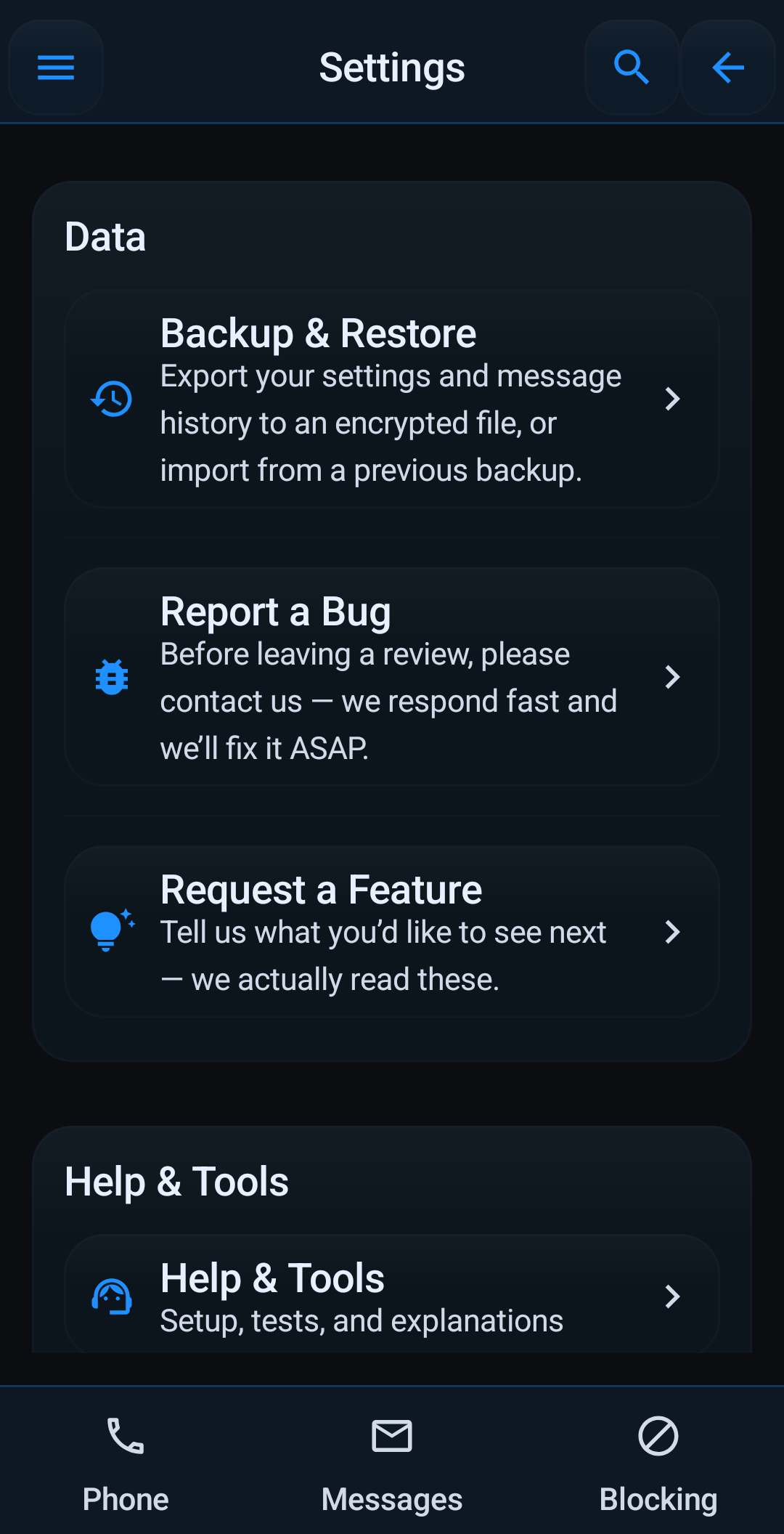
- Encrypted backup and restore lets you choose call settings, text settings, and message history, preview what is included, use settings-only or everything presets, and restore only the categories present in a backup file.
- App Settings include themes, language, notification-channel shortcuts, blocked-call notifications, suspicious-call warnings, DND status notifications, blocked-text notifications, keypad tones, bug reports, feature requests, rating prompts, and Help & Tools access.
- Accessibility includes bold text, high contrast, haptic feedback on call actions, system shortcuts to Android accessibility and display settings, and TalkBack-oriented guidance for navigating the app.
- Share App includes a suggested message, in-person sharing prompts, and Play Store rating links.
- Privacy stays on-device for calls, messages, contacts, logs, spam scores, and phishing checks; network access is limited to update files and user-started actions such as backup export or import.
Source-backed coverage
This feature list was expanded against the current Block Guard Android source the user supplied, including navigation modules, settings screens, help topics, messaging tools, analytics strings, and backup flows. It is intentionally broader than a marketing summary so the website reflects what the app can actually do.
Go deeper
See how the protections fit into a real setup
Use the guides, the walkthrough, and the source-backed feature page together if you want both the marketing view and the practical configuration details.