Guides and landing pages
Guides
These guides are aligned to the current Block Guard Android app source. They cover call blocking, messaging, profiles, Protection Center, encrypted backup, Help Center tools, and scam-safety workflows so the site matches what the app really offers.
Stop Robocalls
Use Block Guard's layered robocall defenses, from spam databases and spoofing checks to profiles and review tools.
Block Scam Calls
See how call blocking, spoofing defenses, message safety, and scam education work together in the current app.
Neighbor Spoofing
Understand local-number spoofing, STIR checks, prefix campaigns, and the review tools that help you tune anti-spoofing rules.
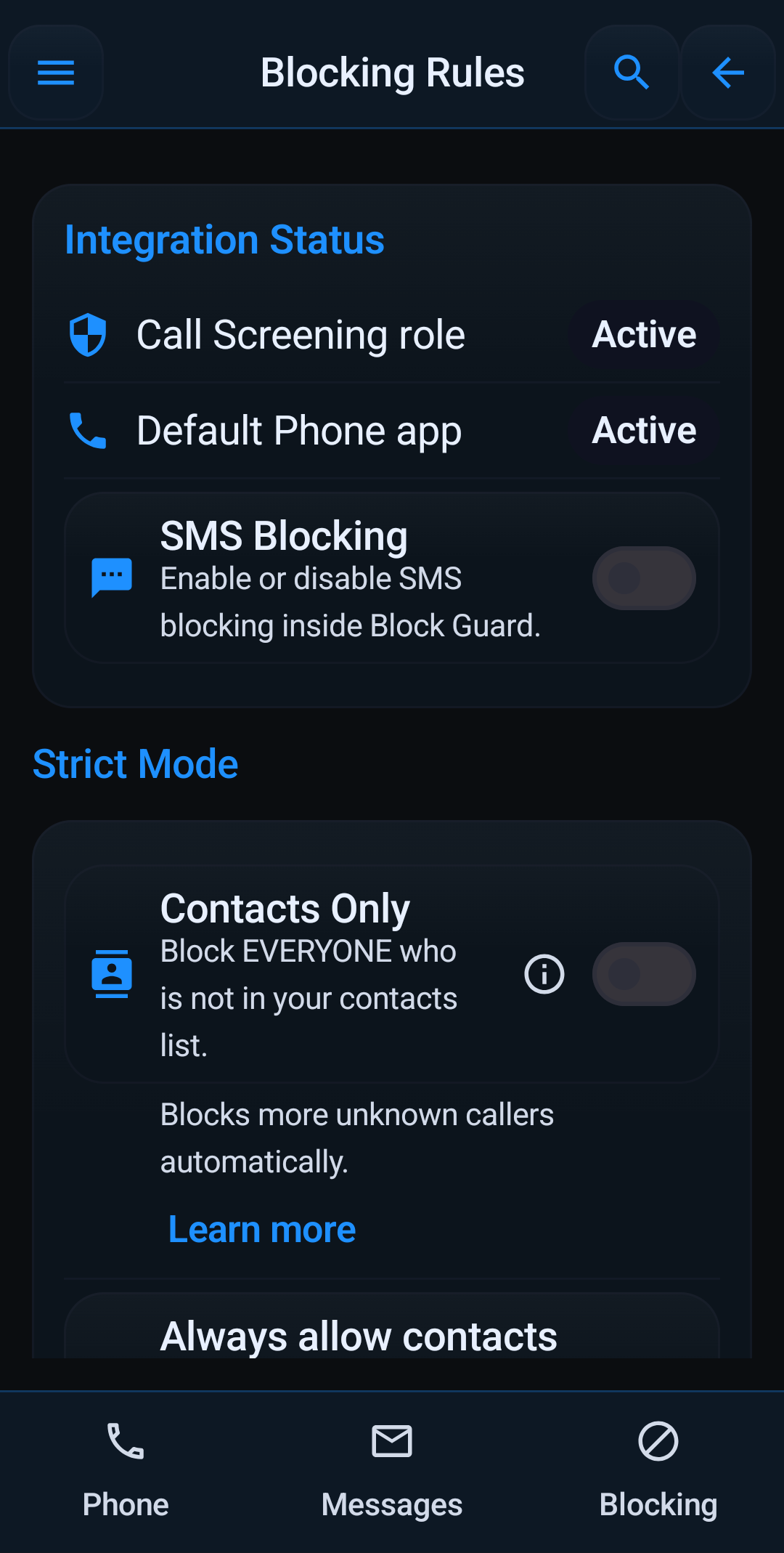
Block Unknown Numbers
Compare strict mode, unknown/private/foreign filters, allow rules, and profile-based quiet hours.
SMS Spam Blocker
Cover blocked senders, blocked keywords, regex rules, phishing warnings, and Block Guard's full messaging stack.
Block Text Spam
Set Block Guard as the default SMS app, turn on text blocking, add rules, and handle dangerous links safely.
Profiles & Schedules
Use Block Guard Mode, profiles, allowed contacts, and cross-midnight schedules instead of constant manual toggling.
Protection Center
Review protection score, blocked-call details, analytics ranges, top reasons, and weekly reports.
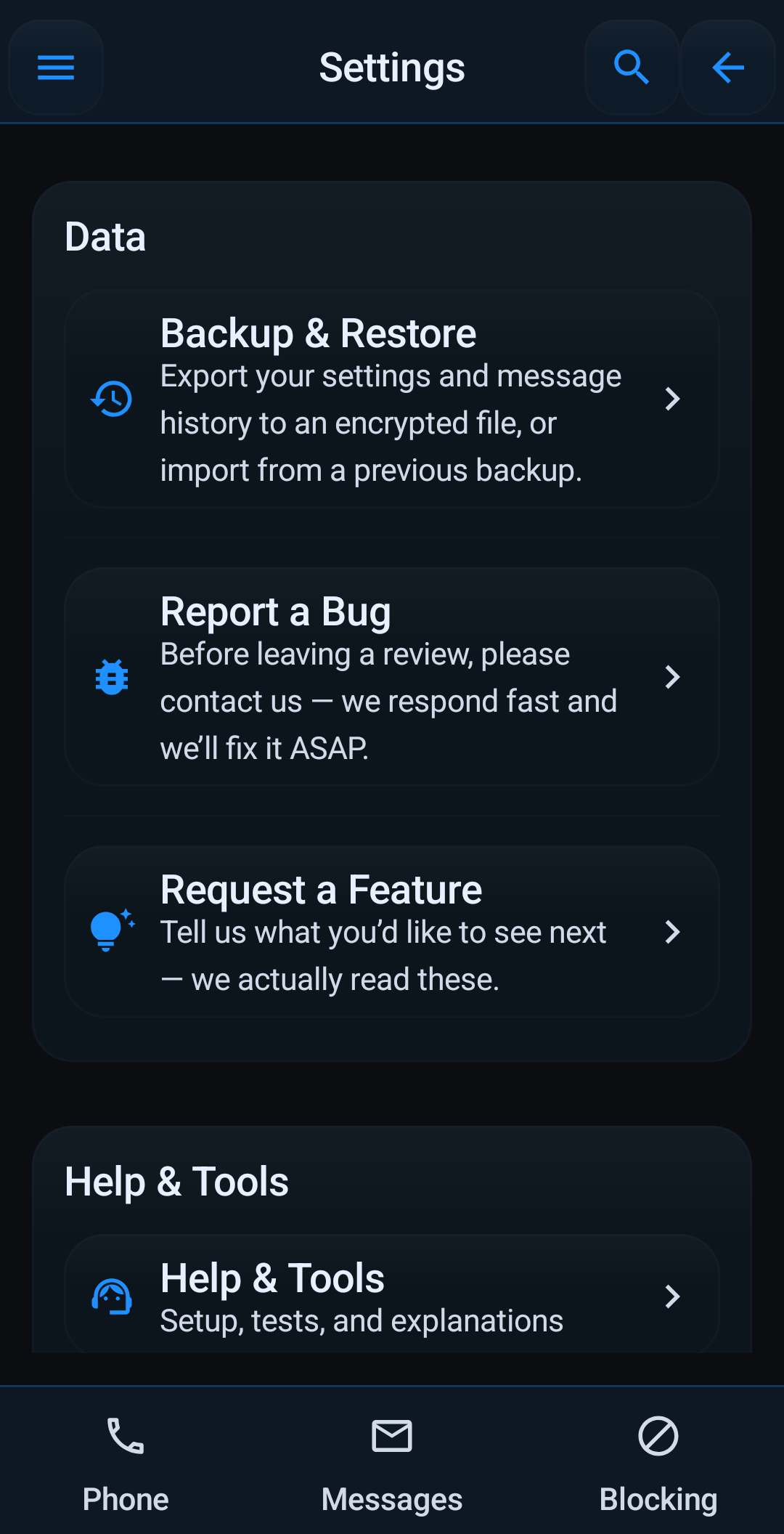
Backup & Restore
Move settings, lists, and optional message history with encrypted export and category-level restore controls.
Help Tools & Safety
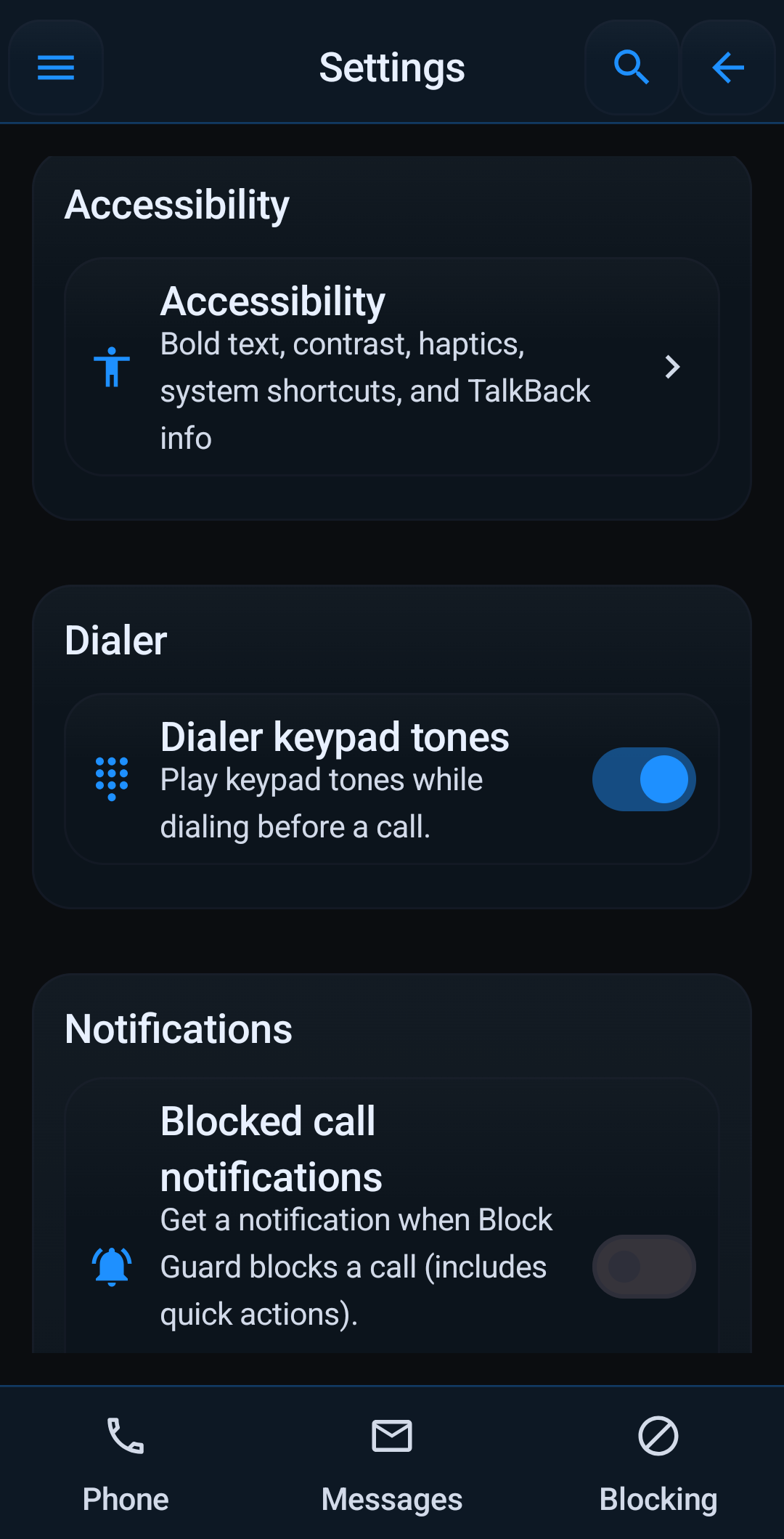
Use Guided Setup, Help Center search, rule validation, test simulations, scam education, and accessibility tools.
Call Blocker for Seniors
Build a simpler setup using whitelists, quiet-hour profiles, safety education, and weekly review tools.
Best Call Blocker
Evaluate Android blockers by integration depth, spoofing defense, analytics, backup, accessibility, and messaging support.