Install from Google Play
Get Block Guard from the Play Store, open the app, and start with the privacy disclosure and setup prompts that explain what runs locally.
Setup walkthrough
A simple step-by-step guide to regaining control over your calls, texts, and suspicious links without giving up privacy or long-term Android reliability.
Get Block Guard from the Play Store, open the app, and start with the privacy disclosure and setup prompts that explain what runs locally.
Enable the permissions and call-screening roles Block Guard needs so blocking, caller ID, and message filtering can work as intended on your device.
Turn on strict filters, known-spammer blocking, neighbor-spoofing defense, or local AI scoring based on how aggressive you want the setup to be.
Whitelist the people who must always get through, set quiet-hour profiles, and tune the exceptions that keep the app practical day to day.
Use Protection Center, logs, analytics, and weekly reporting to confirm the app is catching the right activity without overblocking the people you care about.
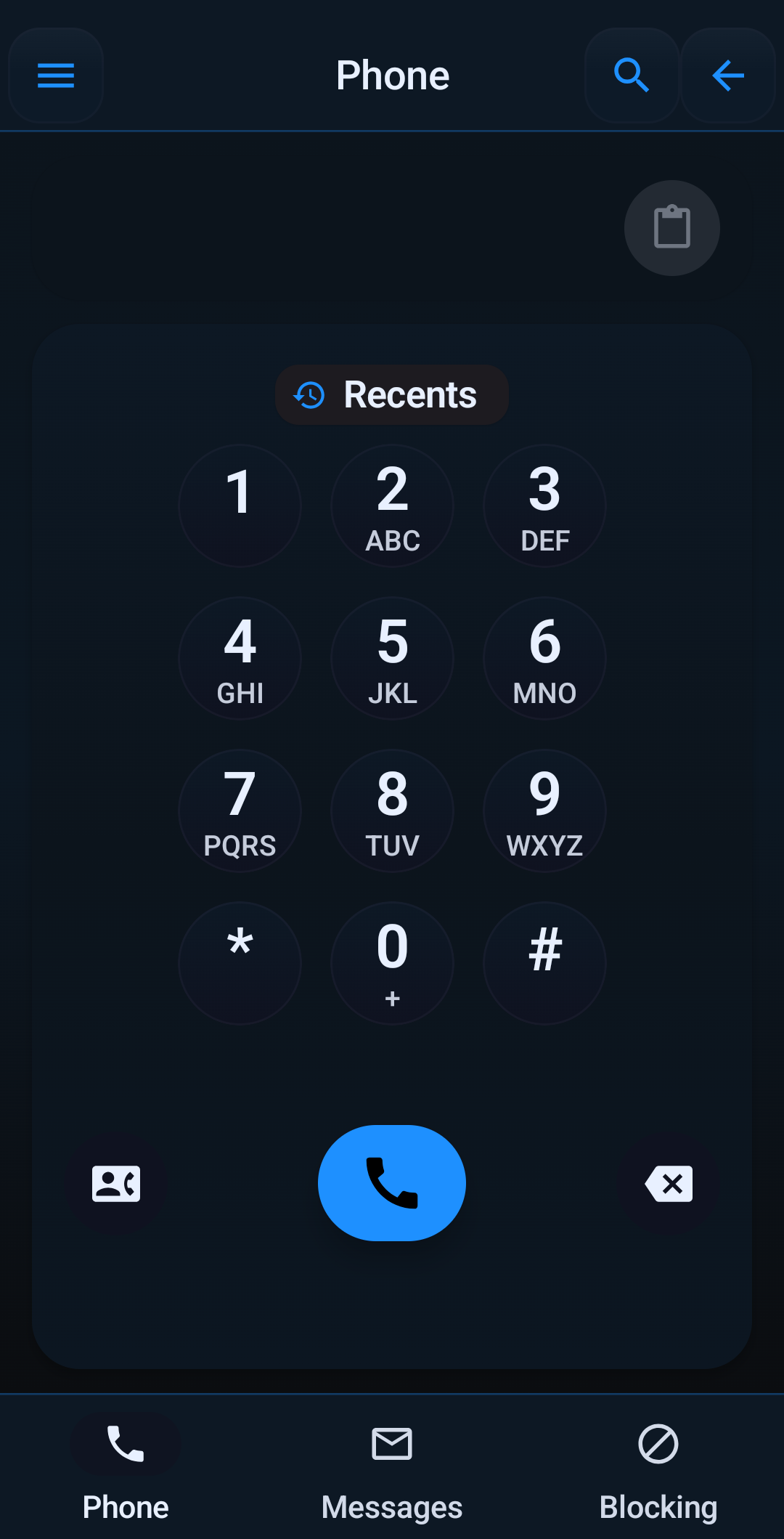
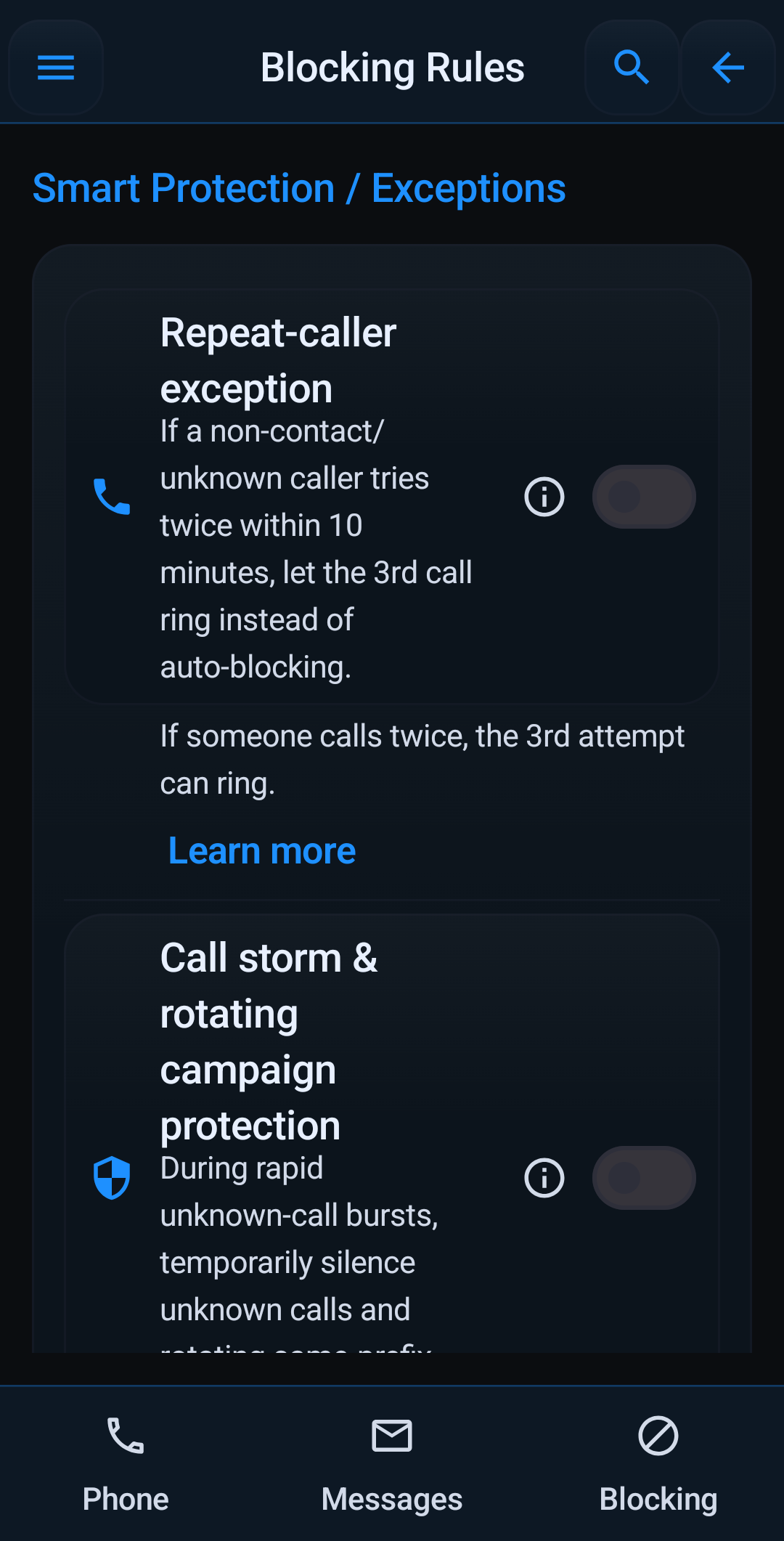
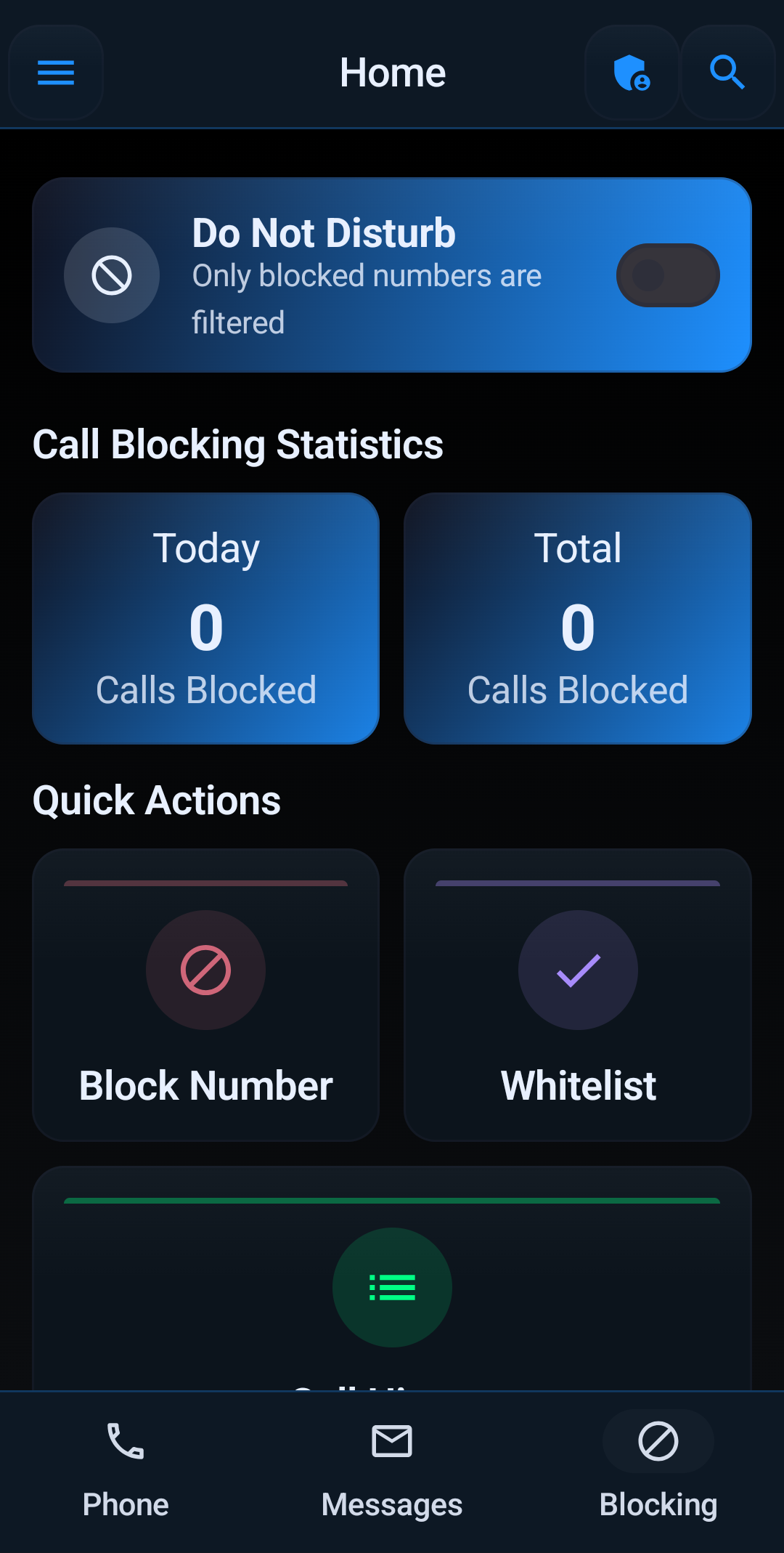
In app
Block Guard does not hide setup behind vague automation. Dialer tools, adaptive protection controls, and review surfaces are all visible so you can see what the app is doing and why.