Protection Center and analytics in Block Guard
Block Guard now includes a full review layer: Protection Center, blocked-call details, blocked logs, analytics dashboards, call history, and weekly reports. That is where you confirm the app is catching the right things and not overblocking.
In app
Protection Center is supported by multiple review surfaces
The current product pairs summary cards, activity views, and follow-up lists so you can move from a high-level status check to the details that explain what happened.
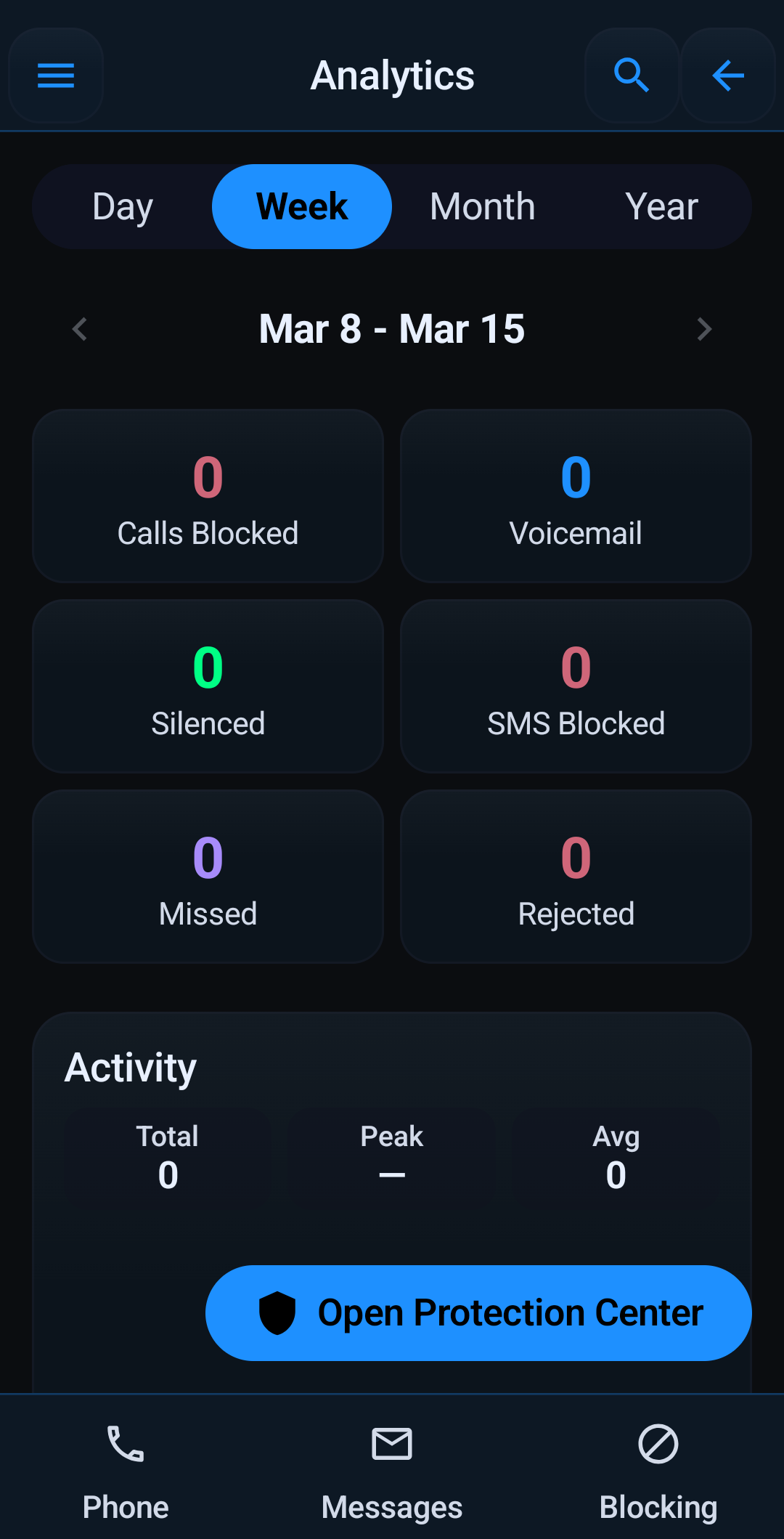
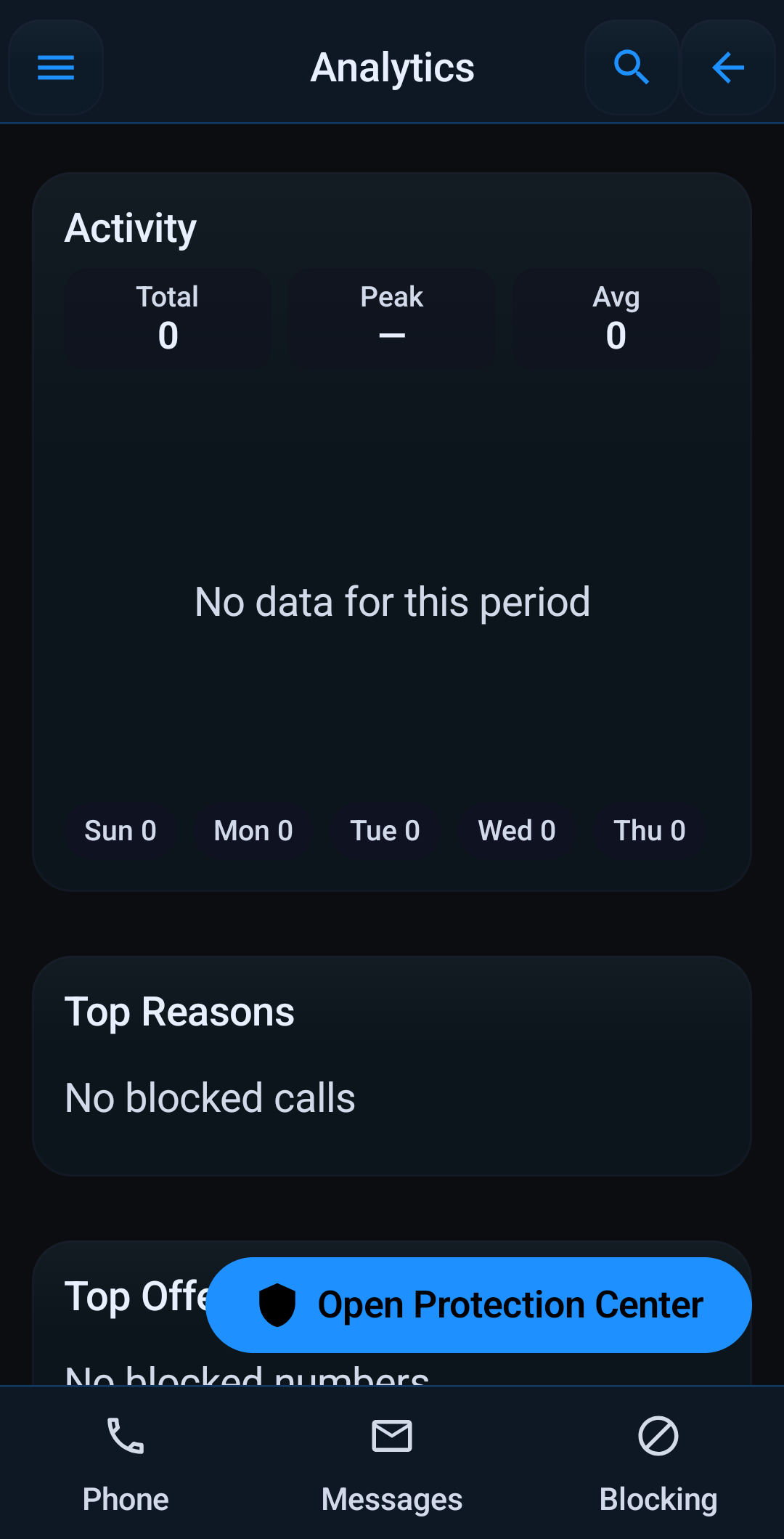
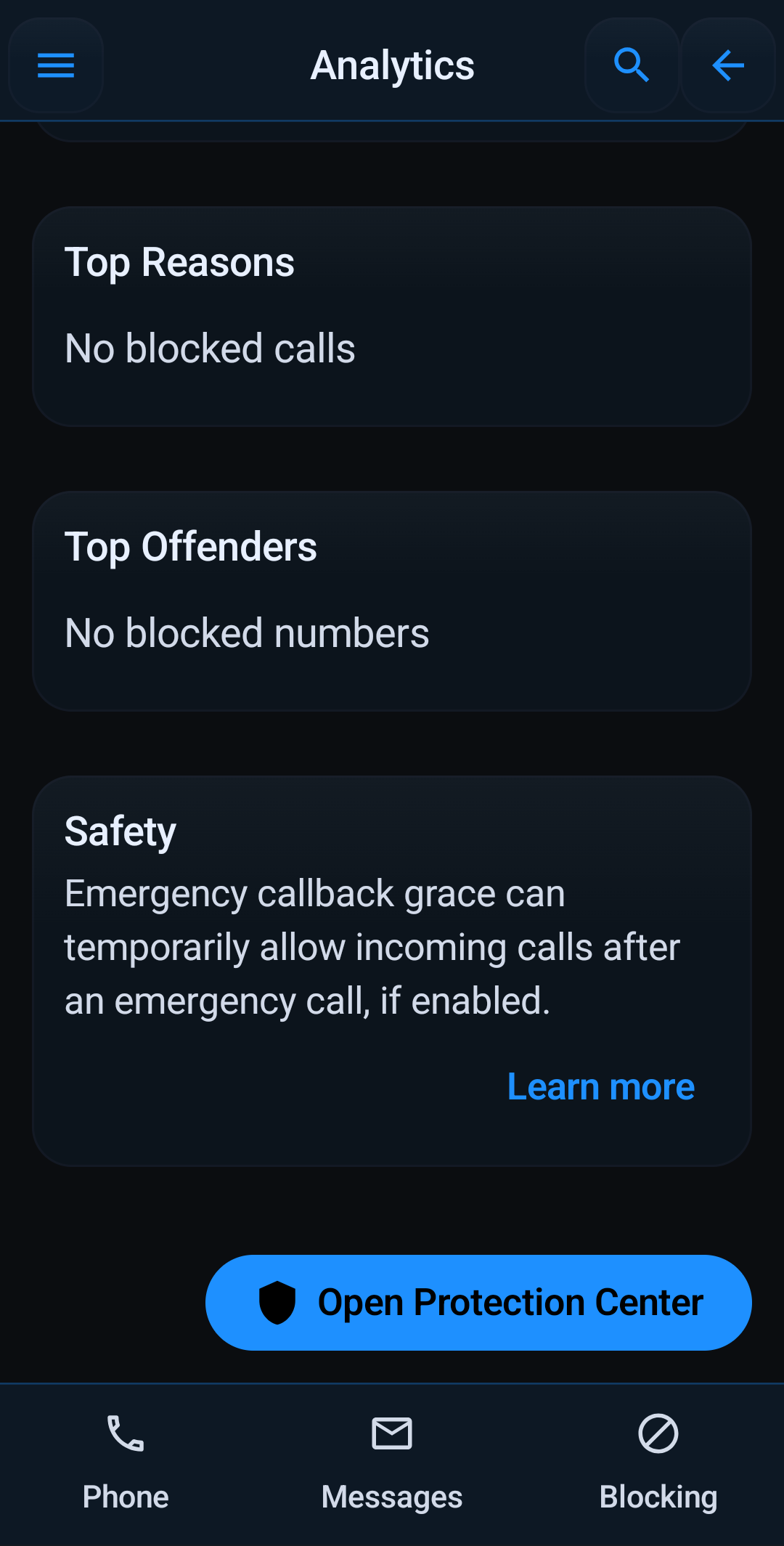
Blocking rules only help if you can audit the result. The current app has several review surfaces that answer different questions.
What Protection Center shows
- A protection score based on your current setup.
- Threat-level context from recent blocked activity.
- Top block reasons, including spoofing-related patterns.
- Recommendations when major protections are still disabled.
What the logs and history are for
- Blocked Call Log shows what happened, why it happened, and what you can do next.
- Blocked-call detail gives quick actions like Allow once, Whitelist, Block similar, Report spam, Copy number, and Call back.
- Call History helps you review both blocked and regular call activity with search and quick actions.
What Analytics adds
- Ranges for Today, 7D, 30D, 90D, 1Y, and custom windows.
- Daily, weekly, monthly, and yearly granularity.
- Summary cards for calls blocked, calls allowed, calls silenced, SMS blocked, and SMS allowed.
- Blocked trend, top reasons, and top offenders.
If you are tuning call rules, combine this guide with blocking profiles and schedules and stop robocalls on Android.
Quick links: Profiles & Schedules · Stop Robocalls · Full Features · Backup & Restore