
Block unknown numbers on Android
Unknown-caller blocking dey work best when you choose di right level of strictness. Block Guard give you several levels: unknown, private, foreign, strict mode, favorites, allow lists, recent-contact exceptions, and scheduled profiles.
In app
Unknown-number blocking dey work best when each filter stays explicit
Private, unknown, and foreign-number dey filter na separated in di current app so you fit decide whether you want a broad default or a more selective setup.
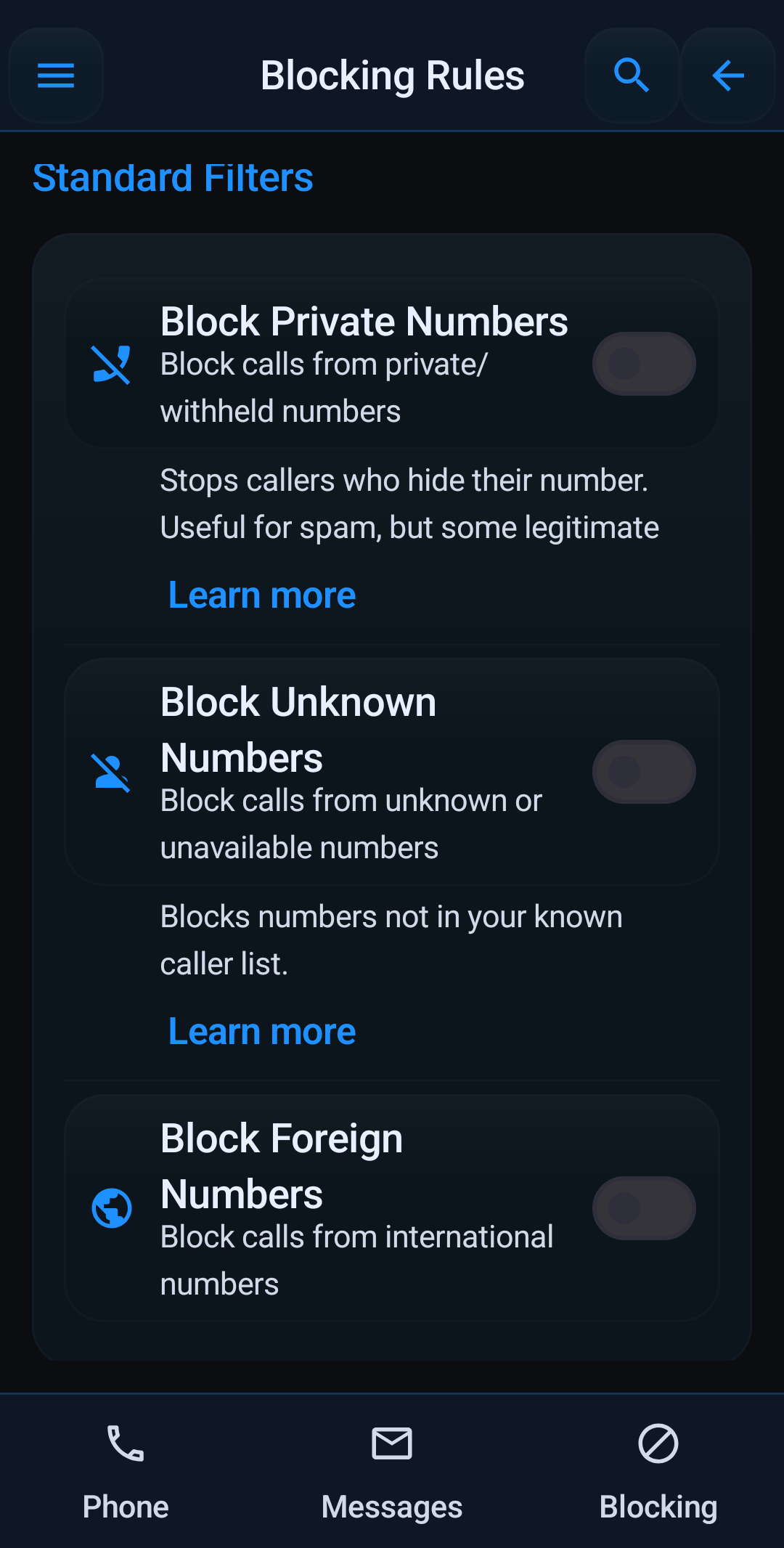
Many people want to stop unknown callers without missing doctors, schools, deliveries, or one-time work calls. Di solution na not just block everything. It na choosing di right mix of dey filter and exceptions.
Pick di level wey fits your situation
- Unknown-number blocking is di broad filter.
- Private-number blocking targets callers wey hide caller ID.
- Foreign-number blocking narrows things further if you do not expect international calls.
- Strict Mode goes furthest by allowing contacts only.
Keep important people getting through
- Whitelist exact numbers wey must always ring.
- Turn on always-allow contacts and always-allow favorites.
- Use repeat-caller exception if you want a third quick retry to ring.
- Use allow-if-called-recently and allow-if-texted-recently for real follow-up conversations.
- Use allowed contacts during Block Guard Mode or profile-based quiet hours.
Profiles na better than constant toggling
If you only want strong unknown-caller blocking at night or at work, use profiles and schedules instead of editing rules every day.
If you want a quieter schedule instead of a 24/7 rule, read blocking profiles and schedules. If you na comparing app options, read best call blocker for Android.
Quick links: Profiles & Schedules · Best Call Blocker · Stop Robocalls · Full Features